Download

Download ShortURL7 — version 1.0

For Windows, macOS, Linux, Android, iPhone and iPad. Short links, QR codes and click analytics — free, no ads, and the same account as the website.

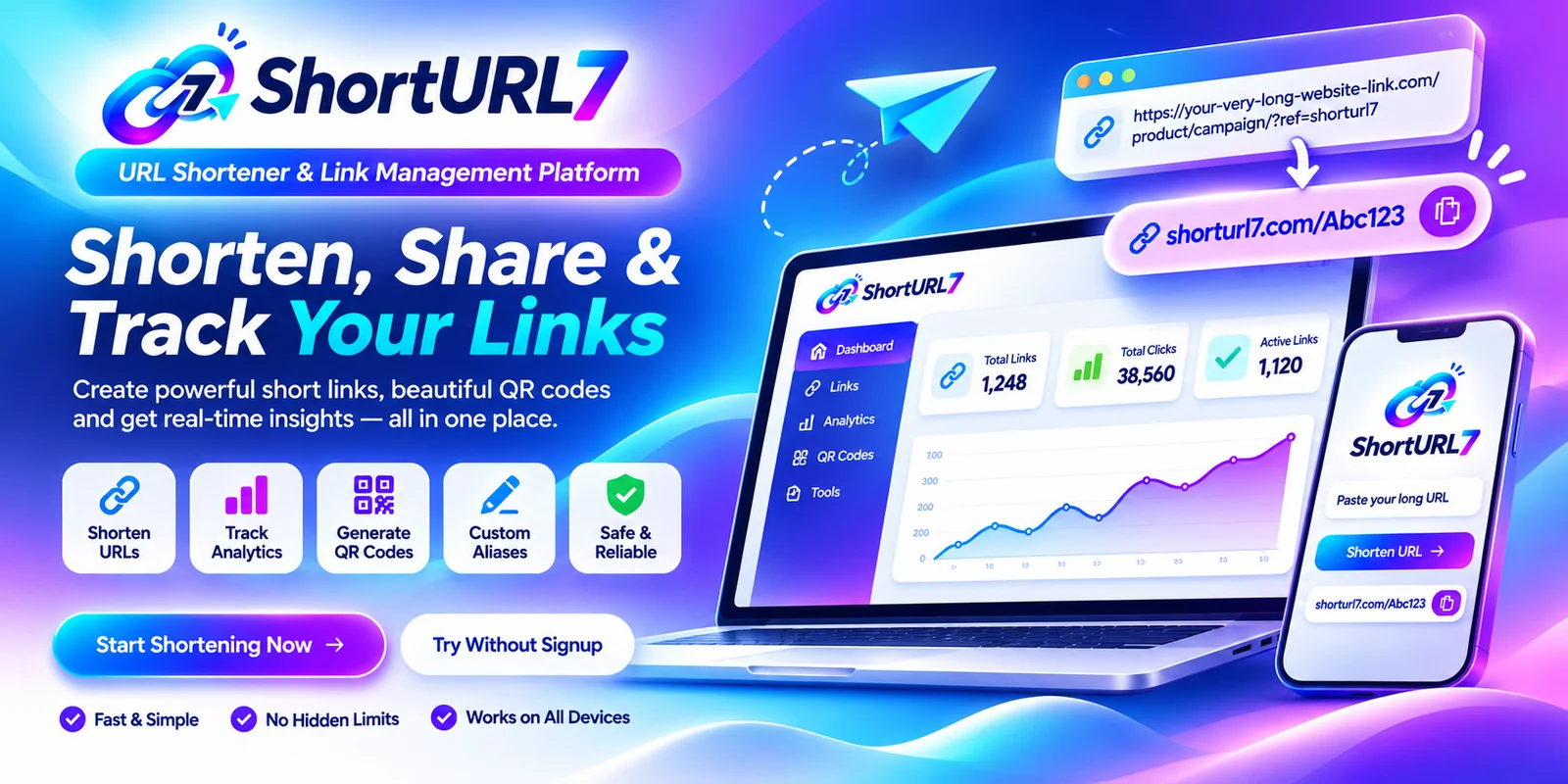
ShortURL7 on phone and laptop: shorten, share and track your links

Windows Windows 10 and 11

  • Installs from Chrome or Edge in one click
  • Start menu and taskbar shortcut
  • Opens in its own window
  • Nothing to download or update
  • Windows 10 and Windows 11

macOS Mac with Chrome, Edge or Safari

  • Installs from Chrome, Edge or Safari
  • Dock and Launchpad icon
  • Opens in its own window
  • Nothing to download or update
  • Apple silicon and Intel Macs

Linux Ubuntu, Fedora, Debian…

  • Installs from Chrome, Edge or Chromium
  • App launcher shortcut
  • Opens in its own window
  • Nothing to download or update
  • Any modern distribution

iPhone & iPad iOS and iPadOS

  • Add to your Home Screen from Safari
  • Full-screen app, no browser bars
  • Shorten links and make QR codes
  • Nothing to download or update
  • iOS 16.4 or newer

Android Google Play

  • Install and update from Google Play
  • Native Google sign-in, synced links
  • Share → ShortURL7 from any app
  • Save or share QR codes as images
  • Android 7.0 or newer
Coming soon to Google Play

Guides & help Documents & tutorials

  • How to install on every device
  • How to shorten links and make QR codes
  • Reading your click analytics
  • Link safety and reporting abuse
  • Questions about your account
Open help & FAQ

How to install

  1. Windows, macOS, Linux: click Install on your card — or use the install icon in Chrome / Edge’s address bar. ShortURL7 then opens from your Start menu, Dock or app launcher.
  2. iPhone & iPad: open this page in Safari, tap Share, then Add to Home Screen.
  3. Android: tap Get it on Google Play, then Install — Google Play keeps the app up to date for you.
  4. Sign in with Google to sync your links — or just start shortening, no account needed.

Changelog

Version 1.0First release
  • Shorten links with custom names and an instant availability check
  • QR codes you can save or share as an image
  • Share → ShortURL7 from any app, and share tiles for WhatsApp, Telegram and more
  • Native Google sign-in — edit links, turn them on or off and see click analytics
  • Installable web app for Windows, macOS, Linux, iPhone and iPad
  • Light and dark themes, no ads, no tracking SDKs

About ShortURL7

ShortURL7 is a free URL shortener for clean short links, custom names and QR codes with click analytics. Links you make in the app while signed in appear in your dashboard straight away, and changes on either side show up on the other. The app has no ads and no analytics or advertising SDKs — see the privacy policy. You can delete your account and links in the app (More → Delete account) or on the delete account page.